


PRODUCT CODE: LP140WT1-EPA1
MPN: XFT7J LGD07A0 0XFT7J
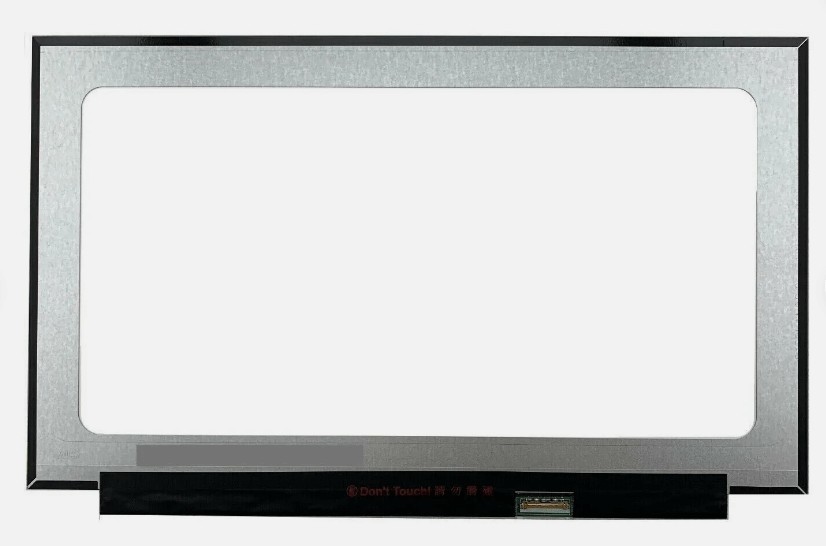
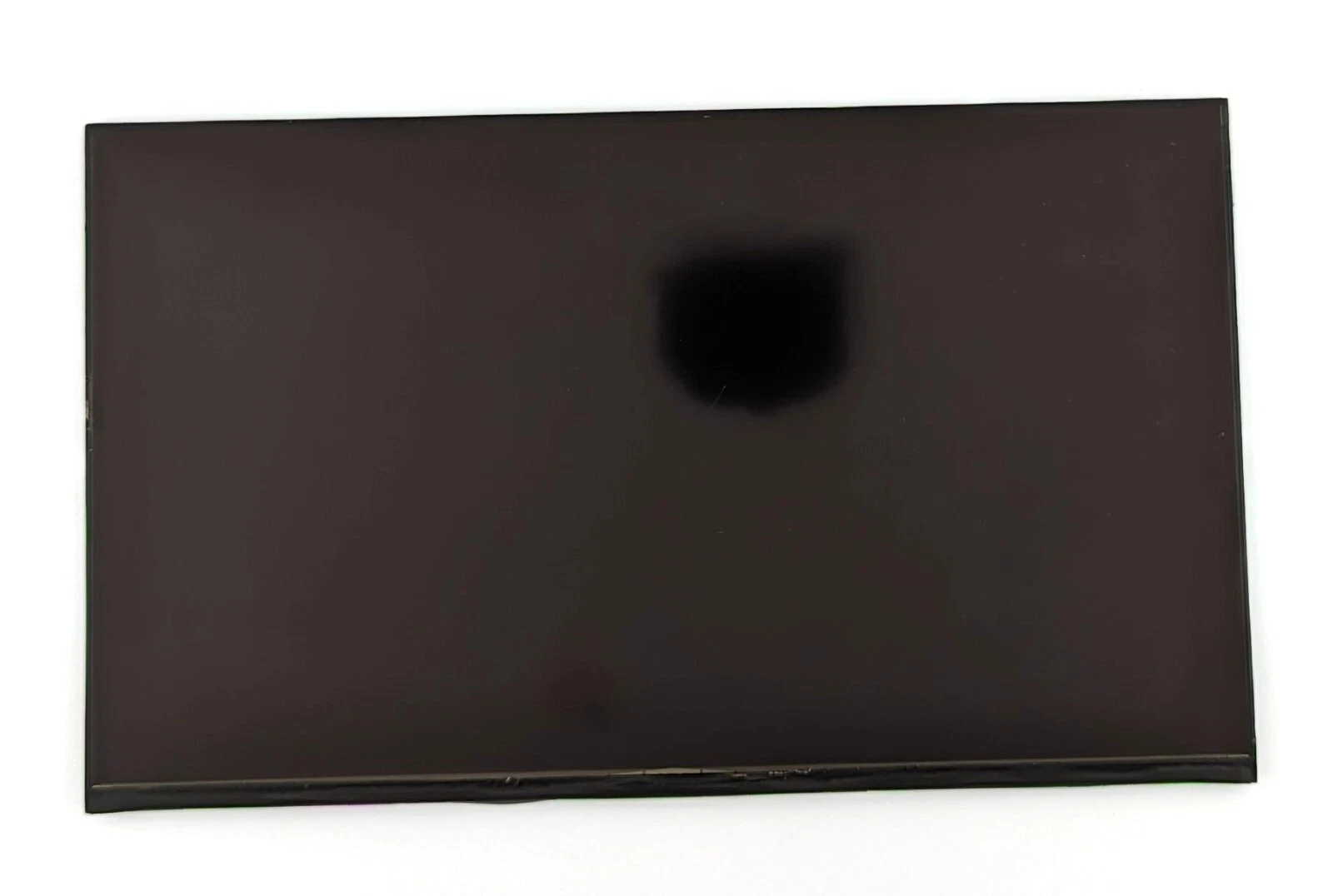
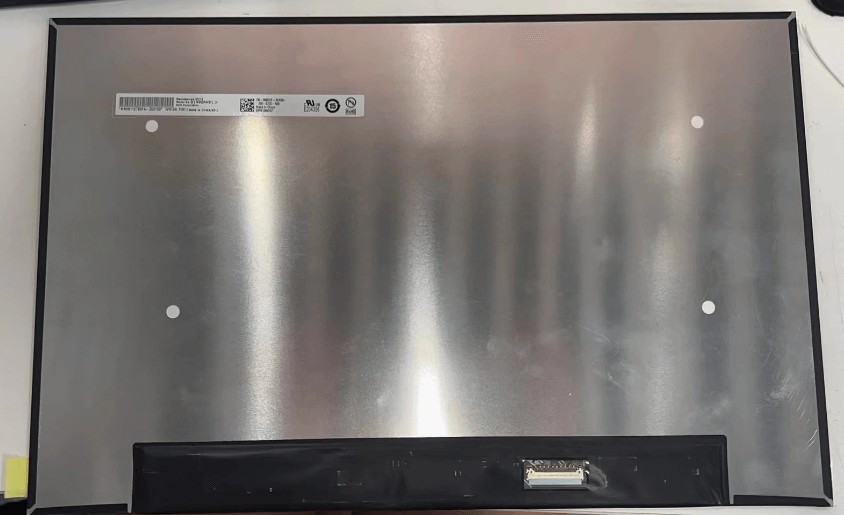
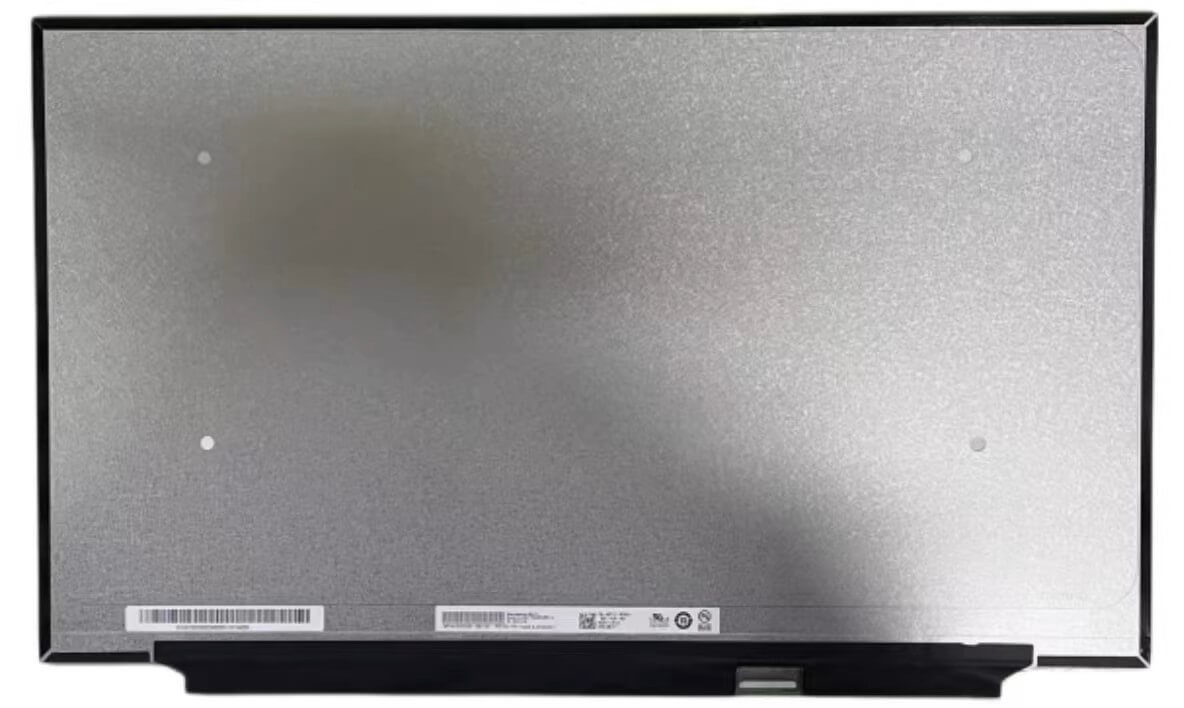
XFT7J LGD07A0 0XFT7J LP140WT1-EPA1 2.8K OLED Laptop Touch Screen
QTY on hand: 50
Lead Time: Ships in 7 business days.
$ 385
$ 395
SKU
50
category:
Key words:
隐藏域元素占位

Buyer Protection
Full Refund If you don't receive your order
Full or Partial Refund, If the item is not as described
- DESCRIPTION
-
- Brand: DELL
- Commodity name: XFT7J LGD07A0 0XFT7J LP140WT1-EPA1 2.8K OLED Laptop Touch Screen
- Commodity ID: LP140WT1-EPA1
- MPN: XFT7J LGD07A0 0XFT7J
XFT7J LGD07A0 0XFT7J LP140WT1-EPA1 2.8K OLED Laptop Touch Screen
Here is the professional product information, titles, and specifications for the display assembly based on your provided data.
1. Optimized Product Titles
- Option A (SEO & Comprehensive):
14.0" QHD+ OLED Touch Screen Assembly for Dell Inspiron 14 7430 7435 2-in-1 - LP140WT1-EPA1 2880x1800 60Hz XFT7J - Option B (Technical & Professional):
Dell XFT7J 14-inch 2.8K OLED Touchscreen Display - LG Philips LP140WT1-EPA1 LGD07A0 16:10 Glossy HDR 243 PPI
2. Product Description (English)
Premium Visual Experience with 2.8K OLED Technology Upgrade or restore your Dell laptop with this flagship-grade 14.0-inch QHD+ OLED Touchscreen Assembly. Featuring the premium LG Philips LP140WT1-EPA1 panel, this display represents the pinnacle of mobile screen technology. Unlike traditional LCDs, the OLED technology allows each pixel to be self-lit, delivering infinite contrast, perfect black levels, and vibrant colors that make images and videos come to life.
Designed for Productivity and Creativity With a modern 16:10 aspect ratio and a sharp 2880 x 1800 resolution (243 PPI), you get 11% more vertical workspace compared to standard widescreen displays—perfect for coding, designing, and professional document editing. The integrated 10-point capacitive touch interface provides a smooth and responsive experience, fully supporting Windows gestures and digital pen input.
Genuine Dell Replacement (XFT7J) This is a genuine Dell replacement part (DP/N: XFT7J), ensuring 100% compatibility with your device’s firmware and hardware. The assembly features a high-quality glossy finish with HDR (High Dynamic Range) support, offering exceptional peak brightness and detail in both highlights and shadows.
3. Technical Specifications Table
Display14.00 inch 16:10, 2880 x 1800 pixel 243 PPI, 10-point capacitive, LG Phillips 140WT1, OLED, Dell P/N: XFT7J, LGD07A0, glossy: yes, HDR, 60 Hz
4. Compatibility Information
- Primary Compatible Models:
- Dell Inspiron 14 7430 2-in-1
- Dell Inspiron 14 7435 2-in-1
- Dell Pro 14 Premium PA14250
- Important Note: This is an OLED assembly. It is strictly intended for laptops that originally shipped with an OLED screen. Please verify your original part number or system configuration before purchasing, as OLED connectors and power requirements differ from standard LCD models.
💡 Professional Installation Tip:
OLED panels are significantly thinner and more fragile than traditional LCDs. It is highly recommended to replace the Complete Hinge-Up Assembly (like this XFT7J module) rather than just the glass, to ensure the structural integrity and longevity of your Dell Pro 14 or Inspiron device. Always disconnect the battery before installation to prevent electrical damage.
Related Products
Contact Us
SHENZHEN AROSE KINGSALES TECHNOLOGY CO.LTD
Mail Subscription


