


PRODUCT CODE: CYT75 / 0CYT75
MPN: CYT75 / 0CYT75
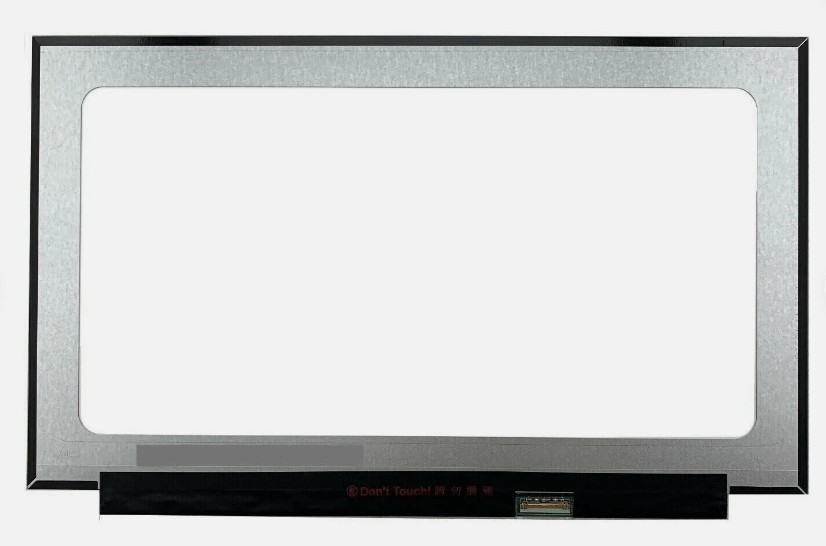
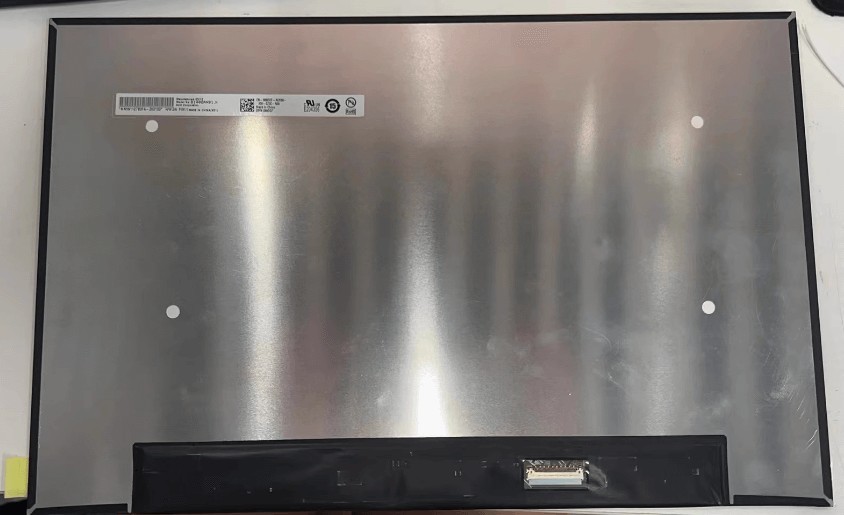
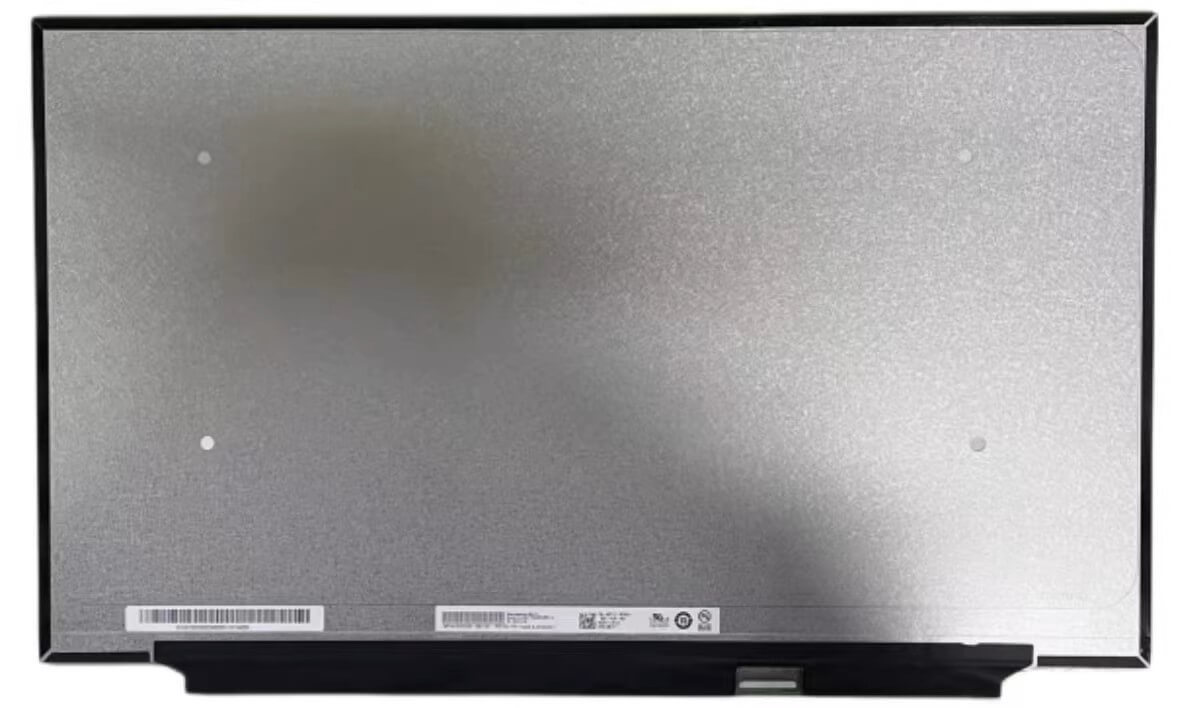
CYT75 For DELL Latitude 7640 7650 FHD+ Full LCD Non Touchscreen Assembly Complete Gray - 0CYT75
QTY on hand: 10
Lead Time: Ships in 7 business days.
$ 349
$ 359
SKU
10
category:
Key words:
隐藏域元素占位

Buyer Protection
Full Refund If you don't receive your order
Full or Partial Refund, If the item is not as described
- DESCRIPTION
-
- Brand: DELL
- Commodity name: CYT75 For DELL Latitude 7640 7650 FHD+ Full LCD Non Touchscreen Assembly Complete Gray - 0CYT75
- Commodity ID: CYT75 / 0CYT75
- MPN: CYT75 / 0CYT75
CYT75 For DELL Latitude 7640 7650 FHD+ Full LCD Non Touchscreen Assembly Complete Gray - 0CYT75
【Product Overview】
This is a genuine 16.0-inch FHD+ WUXGA IPS Complete Non-Touchscreen Assembly (Dell Part Number CYT75 / 0CYT75), designed for the Dell Latitude 7640 (2023, Chassis P126F) and Dell Latitude 7650 (2024, Intel Core Ultra) — Dell's premium 16-inch business laptops. Featuring a 1920×1200 (FHD+ / WUXGA) resolution on a modern 16:10 canvas with IPS panel technology, an antiglare (matte) finish, and an LED backlight, this complete non-touch assembly (Gray) restores the laptop's display exactly to factory specification.
【Product Specifications】
【Key Highlights】
- 16.0" FHD+ on a Business Workhorse: The 1920×1200 resolution provides 11% more vertical workspace than 1920×1080 (16:9) — more spreadsheet rows, more document lines, and less scrolling. The modern 16:10 standard for professional laptops.
- Antiglare Matte Finish: Diffuses reflections from office windows and overhead lighting — the enterprise standard for all-day productivity use, reducing eye strain during extended sessions.
- IPS Wide Viewing Angles: Consistent colour and brightness even when viewing off-center — important for collaborative work and client-facing presentations.
- Complete Top-Lid Assembly: Includes the panel, bezel, hinges, and colour-matched Gray cover — no component transfer or hinge reassembly required. The fastest, safest restoration path for a business fleet device.
- Dual-Generation Compatibility: Serves both the Latitude 7640 (2023, 13th Gen Intel) and Latitude 7650 (2024, Intel Core Ultra) — a shared 16" display form factor across two generations, reducing SKU complexity for IT departments.
- Genuine Dell OEM: An authentic factory assembly — identical mounting dimensions, hinge alignment, and cable routing for guaranteed fitment.
【Package Includes】
- 1 x 16.0" Dell Latitude 7640 / 7650 FHD+ WUXGA IPS Non-Touch LCD Assembly (CYT75, Gray)
- LCD Panel (1920×1200, IPS, Matte)
- Bezel Frame
- Left & Right Hinges
- Gray Outer Cover
【Installation Guide & Precautions**
- Touch vs Non-Touch — CRITICAL: This is the Non-Touch assembly. The Latitude 7640/7650 also shipped with 1920×1200 touch configurations — these use different assemblies and connector pinouts and are not interchangeable. Verify your original part number (CYT75) and configuration before purchase.
- Size Clarification — IMPORTANT: The Latitude 7640 and 7650 are 16-inch models (not 14"). The Latitude 7440/7450 are the 14-inch equivalents and use entirely different panels. Verify your model on the bottom label.
- Resolution Terminology: This panel is 1920×1200 (FHD+ / WUXGA) — not "FHD" (1920×1080). Use the accurate term — the two are physically different panel shapes (16:10 vs 16:9).
- Brightness Variant Verification: The Latitude 7640/7650 shipped with multiple FHD+ variants (typically 250-nit 45% NTSC and 300-nit 100% sRGB). Verify your original panel's brightness/colour rating if matching a fleet specification matters.
- Battery Disconnection (CRITICAL): Shut down the laptop, enter the BIOS (F2), and enable "Disable Built-in Battery" (Config → Power) to electronically isolate the battery. Residual power can permanently damage the LCD timing controller.
- Full Assembly Handling: Use two hands and handle by the metal hinge mounts and outer cover edges. Do not grip or apply pressure to the LCD surface — even slight flex can cause permanent damage.
- Cable Routing & Hinge Alignment: Route the display, camera, and antenna cables cleanly through the hinge channels — a pinched cable causes flickering, lines, or Wi-Fi degradation. Seat the assembly evenly on both hinge mounts and tighten screws in a cross-pattern.
- Professional Installation Recommended: While a complete assembly is far easier than a bare panel swap, hinge alignment and cable routing warrant installation by a qualified technician. For corporate fleets, follow Dell's official Latitude 7640/7650 Service Manual.
Related Products
Contact Us
SHENZHEN AROSE KINGSALES TECHNOLOGY CO.LTD
Mail Subscription


